Customize Your QR Code
Every QR code has its own address, made of the text to encode, a style and a size. Put it in an image tag, or open it to download the image.
https://qrnegie.andrew.cmu.edu/qr.svg?text=https%3A%2F%2Fwww.cmu.edu%2F&style=mosaic&size=1024| Option | What It Does | Default |
|---|---|---|
text |
The URL or text to encode, up to 1024 bytes. URL-encode it, including any
& or ? in the destination. It can also be a
contact card (a vCard), which phones offer to save as a contact. |
None; required |
style |
One of the styles below. | scotty |
size |
The image's width and height in pixels, up to 2048. How small it can be depends on the style and how much text it holds. | 512 |
Join options with &, in any order. If an option is misspelled or
missing, the error message says what to change.
Styles
| Style | Value | Error Correction | Smallest Module |
|---|---|---|---|
| Scotty (Mosaic) | mosaic |
High | 6 |
| Scotty (Simple) | scotty |
High | 3 |
| Kraus Campo | kraus-campo |
High | 6 |
| Wean Hall | wean |
High | 5 |
| Binary Heart | binary-heart |
High | 6 |
| Tilted Square | tilted-square |
Medium | 3 |
| Basic Black | plain |
Medium | 3 |
Error correction lets a scanner read a code even when part of it is covered or smudged. The artistic styles use high error correction, so their artwork and marks can stand in for part of the code; Tilted Square and Basic Black use medium, which keeps their codes less dense. The smallest module is in pixels.
Sizes
A code is a grid of squares called modules, and each one gets the same whole number of pixels, at least the number in the table above. More text makes a bigger grid, so a long URL or a contact card needs a bigger image. If a size is too small, the error message gives the smallest one that works; the Builder picks it for you.
The size includes the white border around the code, and for Kraus Campo, its orange frame too. Start the artistic styles at 1024 pixels.
File Types
/qr.svg gives an SVG, which stays sharp at any size, for print layouts
and web pages. /qr.png gives a PNG, for slides, email or a document that
doesn't take SVG. Both take the same options.
Keep It Scannable
- Keep the white border clear on all sides.
- Keep the image square, without stretching or cropping it.
- Use a shorter URL when a code gets too dense.
- Scan the finished sign, slide or label with a phone, at its real size and distance.
MCP Server
AI agents can connect to QRnegie's MCP server at
https://qrnegie.andrew.cmu.edu/mcp (Streamable HTTP, no sign-in).
get_guide describes these options, and generate_qr takes
text, style and size and returns a PNG with its
address and HTML. The setup prompt is on the home page.
Browse by Style
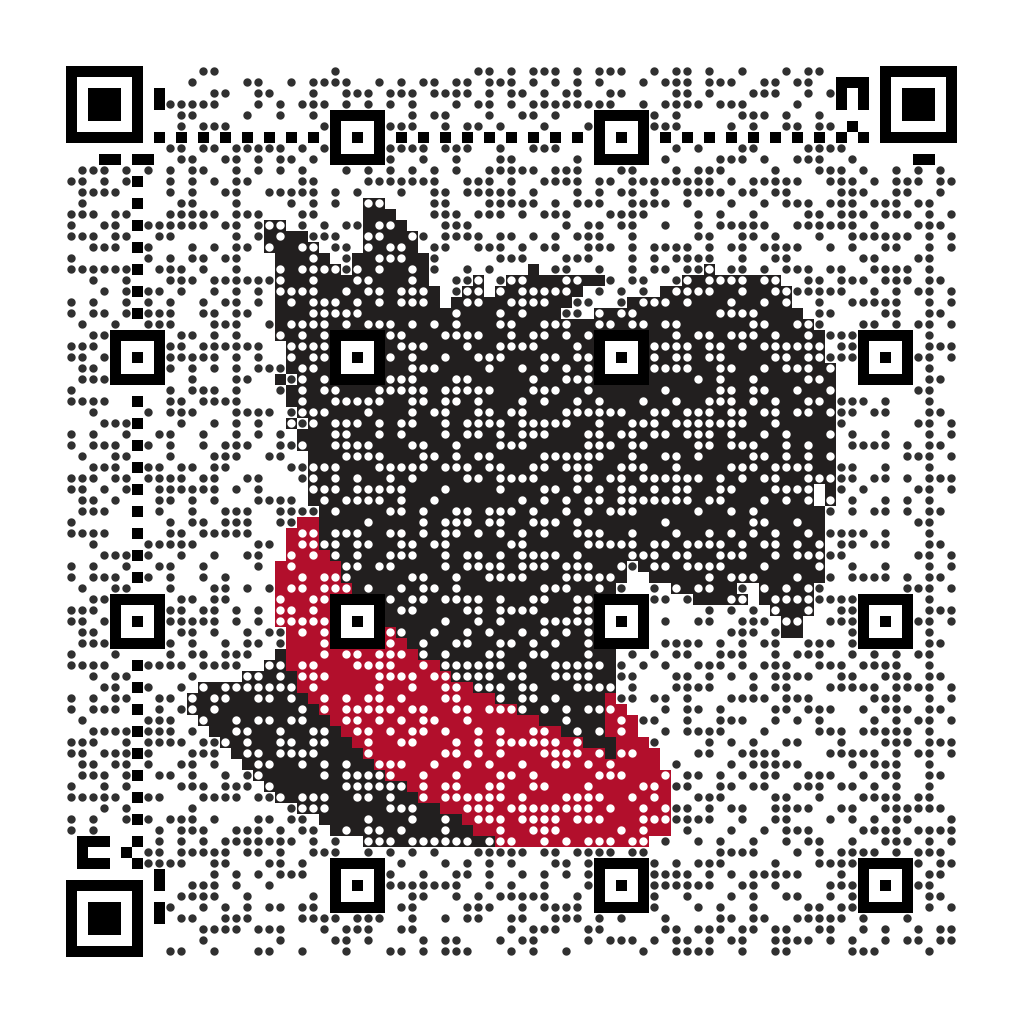
Scotty (Mosaic)
Scotty's silhouette and red scarf, formed by the code's own dots.
Scotty (Simple)
Square modules with Scotty's portrait, from University Communications & Marketing, in the middle.
Kraus Campo
Numbered tiles, after Mel Bochner's garden on the Posner Center's roof, framed by the garden's orange path.
Wean Hall
Wean Hall's concrete facade, with the “turtle head” entrance and the Love of Two Oranges in front of it.